Downloading files from the web can be risky. This guide covers simple, practical checks to reduce malware, phishing, and account compromise risks.
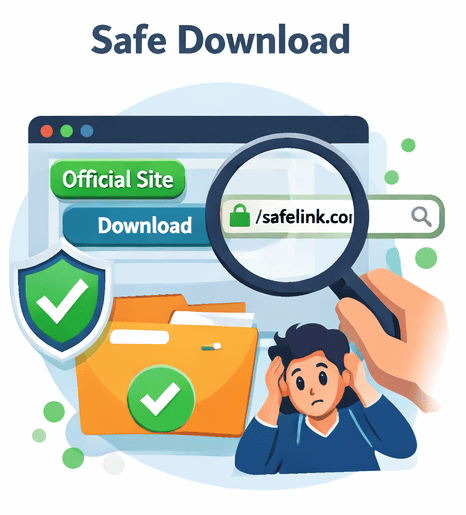
1) Verify the source
- Prefer official sources or well-known mirrors.
- Double-check the domain (typos are common).
- Look for independent reviews.
2) Avoid deceptive ads
Many download pages show large ad buttons. Scroll carefully and look for the real download action.
3) Scan and verify
- Scan with a reputable antivirus.
- When available, compare checksums (SHA256).
4) Protect your accounts
- Use unique passwords.
- Enable 2FA on file host accounts when possible.
FAQ
Should I download executable files?
Only if you trust the source. Prefer signed installers or official repositories.
Related Guides
- How Premium Link Generators Work (and Safety Tips)
- Premium Link Service Checklist (Trust & Safety)
- Common Download Scams (and How to Avoid Them)
Tip:
Always verify file sources and prefer official mirrors when available.
Always verify file sources and prefer official mirrors when available.